Wedding QR code photo sharing, without an app
With Weddinger, QR code wedding photo sharing is free: guests scan a code and upload photos and videos from their phone browser, with no app and no sign-up. The first 30 uploads are free to view; the full gallery (up to 50 GB), ZIP download and the live wall are a one-time $69 per wedding.
Last updated · Weddinger team
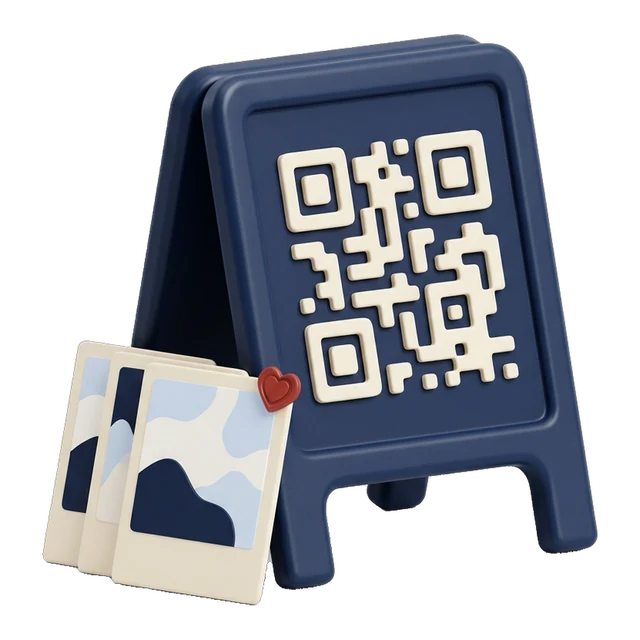
How do I collect wedding photos from guests?
Print the table cards from Print Studio. Each card carries a QR code that opens your upload page.
- Guests scan the QR code with their phone camera
- They add their name and table, then choose photos or videos
- Files upload directly to private storage with a progress bar
- You review, favourite or hide uploads from your dashboard
Are guest photos private?
Yes. Files are stored privately and only shown through short-lived signed links. The gallery is never indexed by search engines, and the couple controls what appears on the live wall.
What's the difference between the free and paid gallery?
Guests can always upload. On the free plan you can view the first 30 uploads; later uploads are kept safely and unlock when you upgrade.
Weddinger opens soon. Join the waitlist to hear when sign-up opens.
Join the waitlistFrequently asked questions
Do guests need an account?
No. They scan, add their name and upload. That's it.
Can guests upload videos?
Yes, videos up to 300 MB each, straight from the phone browser.
Can I show photos on a screen at the reception?
Yes. The live photo wall (Full Wedding) rotates new photos and notes, with a QR code so more guests can join in.
How do I download everything?
Full Wedding includes a one-click ZIP download of every photo, video and voice message.
Can I remove a photo?
Yes. Hide it from the wall or delete it permanently from storage.